
FREE BASIC LISTINGS · OWNER GUIDE
Help people find your business or local listing
Your listing gives people one place to find your details and enquiry links. Here are a few simple ways to make it useful and share it with your community.
Add a free listing Manage your listings
1. Check your details before sharing
Open your published listing and check its name, category, suburb or service area and public enquiry link. Add current hours, prices or availability only when you know they are correct. If an existing listing belongs to your business, use its claim option rather than creating another copy.
2. Add a clear logo or a few current photos
Photos are optional. A shopfront, your products, your workspace or an example of your work can help visitors understand what you offer. For a rental or sale item, show its current condition. A clear phone photo in natural light is often enough.
- Upload the original image rather than a screenshot when possible. Keep the main subject centred so it still works as a small thumbnail.
- Use photos you own or have permission to publish. Ask permission before showing identifiable customers, staff or children. Avoid personal documents, number plates and private details.
- For a business, a sharp logo and two or three useful photos are a good start. Include a short description of what each image shows.
- Keep promotional prices or offers current. Please tell us when something changes.
Sign in and open your listing from My Listings to edit it. If you need help, email admin@pinoyinaustralia.com with the listing link and the original images. Tell us which photos you want on the website and confirm you have permission to use them. Website photo permission does not automatically include use on our social pages.
3. Share the link to your listing
Copy the address from your published listing. You can add it to your business social bio, email signature or a relevant community post where promotion is allowed. Ask a group admin or venue before posting or displaying a QR card.
We are listed on Pinoy in Australia. View our directory entry for details and enquiry links: [paste your listing link]
For an informal community listing, you could say:
Hi po! I have added my listing to Pinoy in Australia. You can see the details and contact me here: [paste your listing link]. Salamat!
Replace the bracketed text before sharing. A directory entry is not a verification, recommendation or promise of customers.
Share the directory in your community
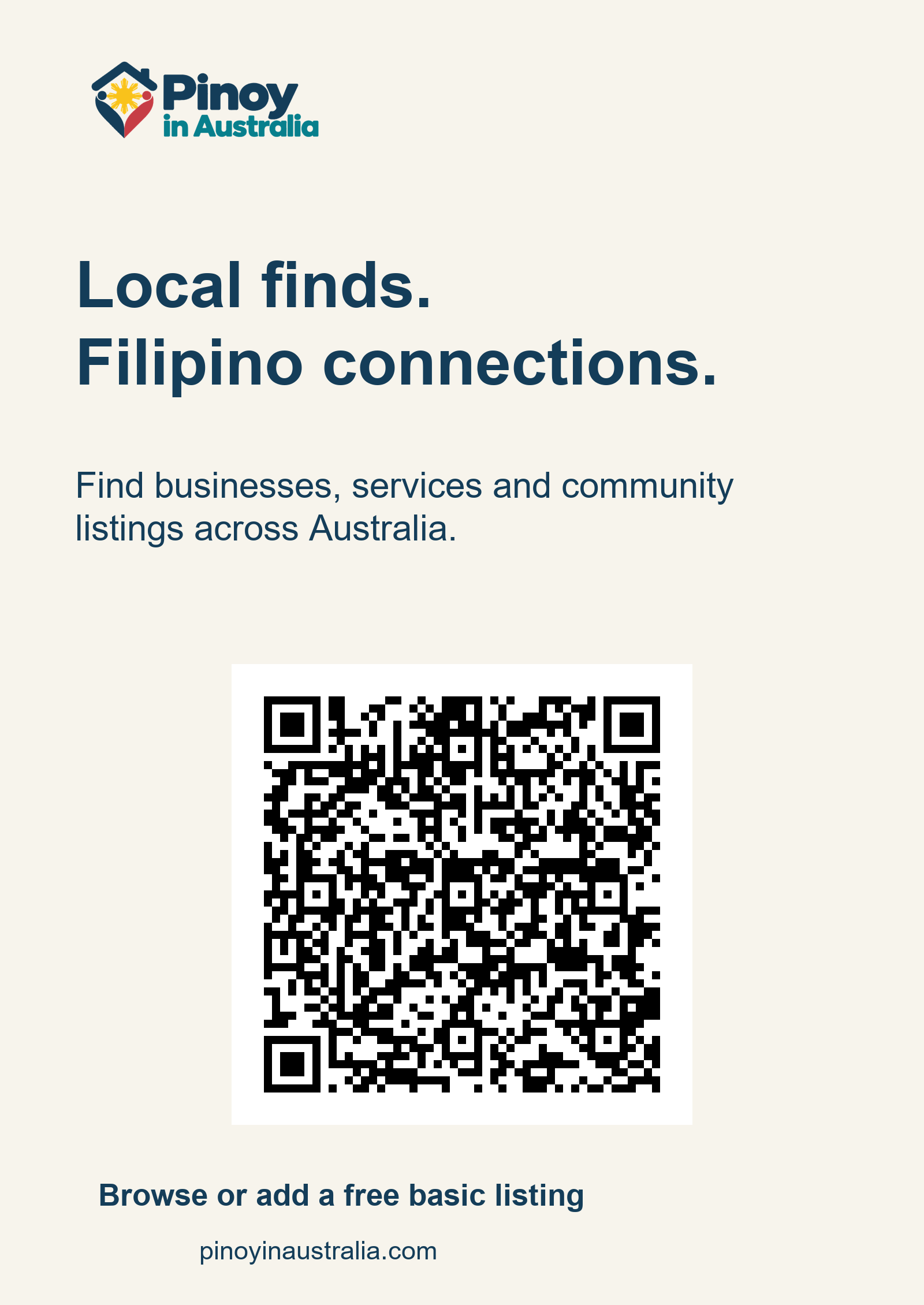
Want to help others find local businesses and community listings? Download our free printable QR poster. Print it on A4 using fit-to-page and keep the white border around the code. The QR code opens the directory. Please ask the venue or organiser before displaying it; a poster does not imply their endorsement.
Optional business sharing cards
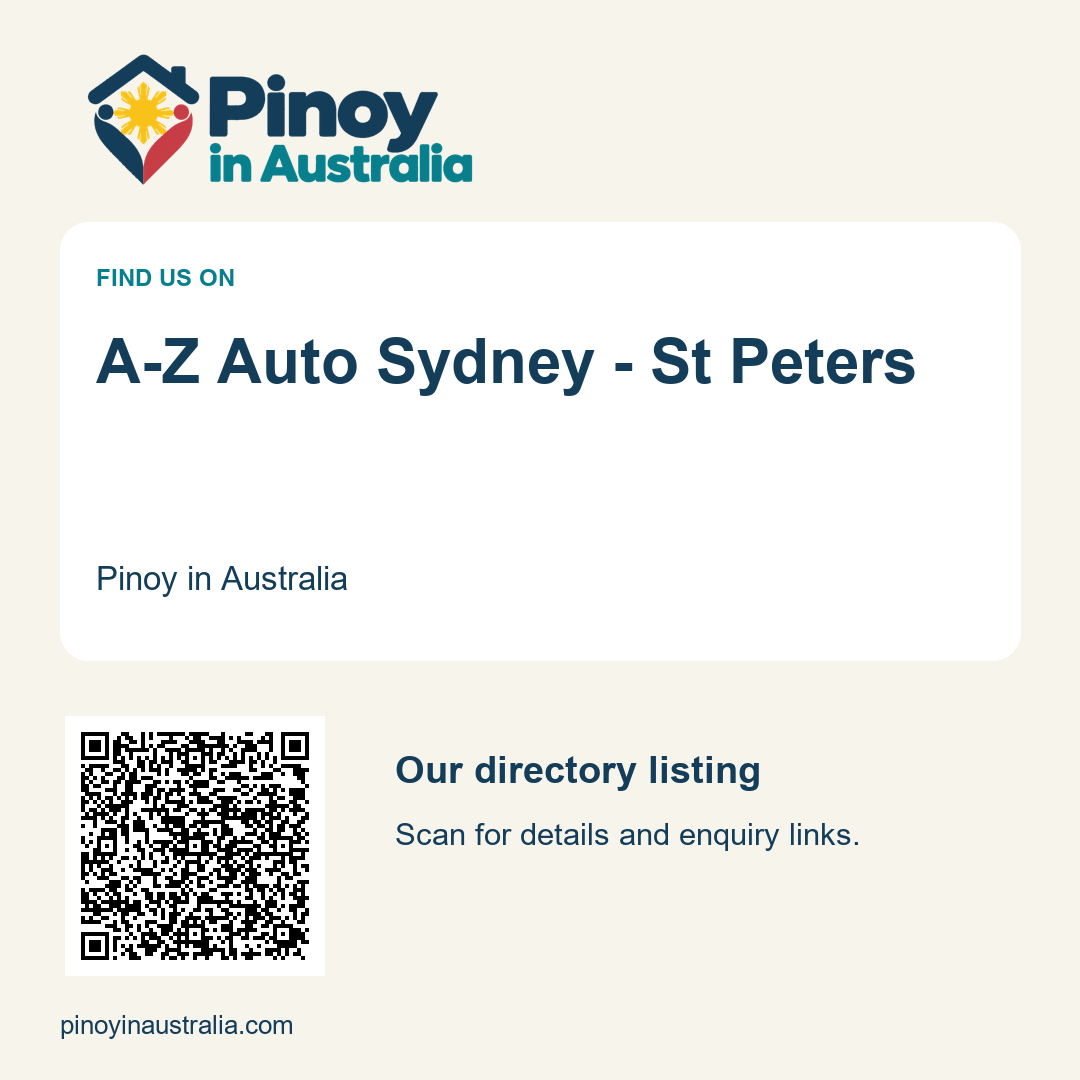
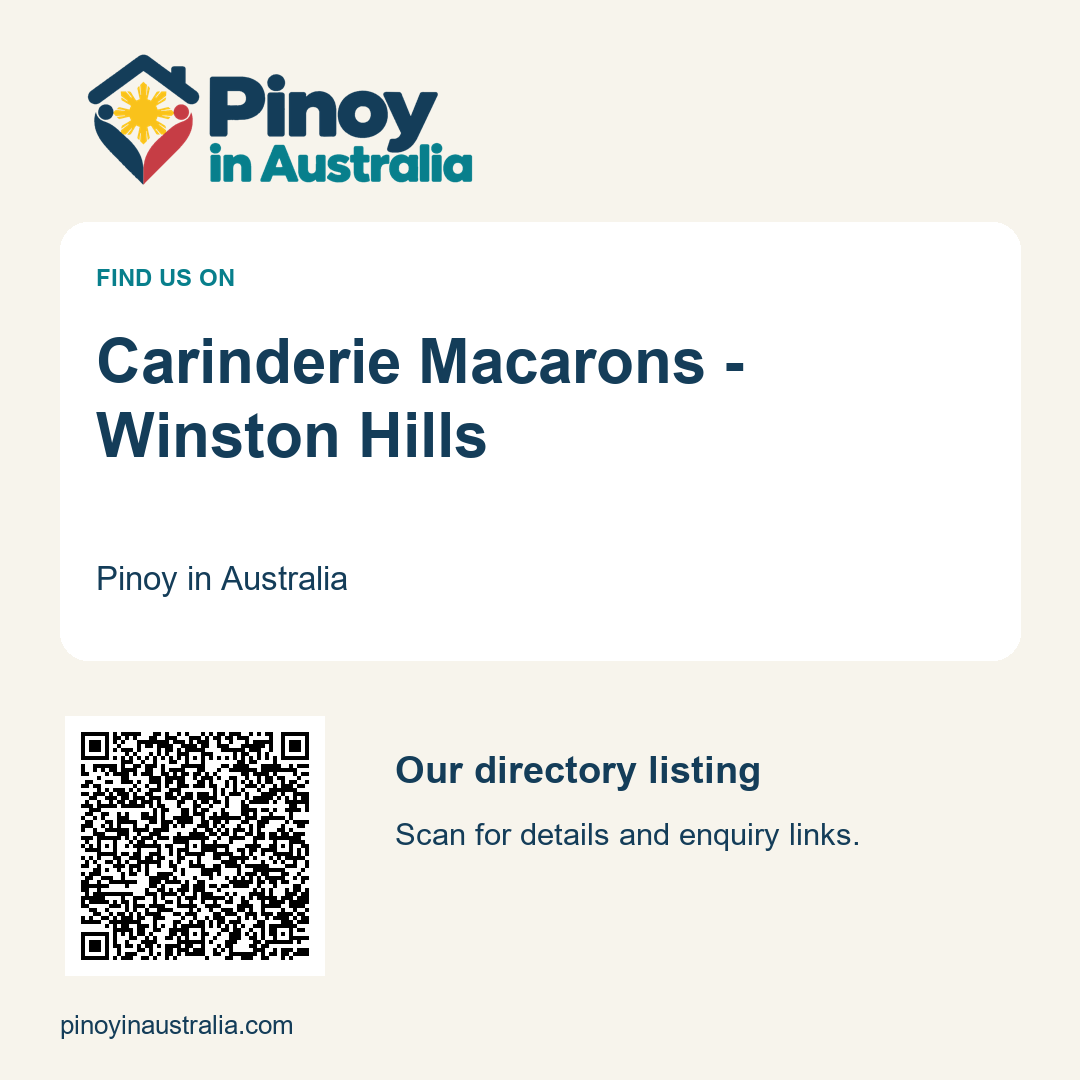
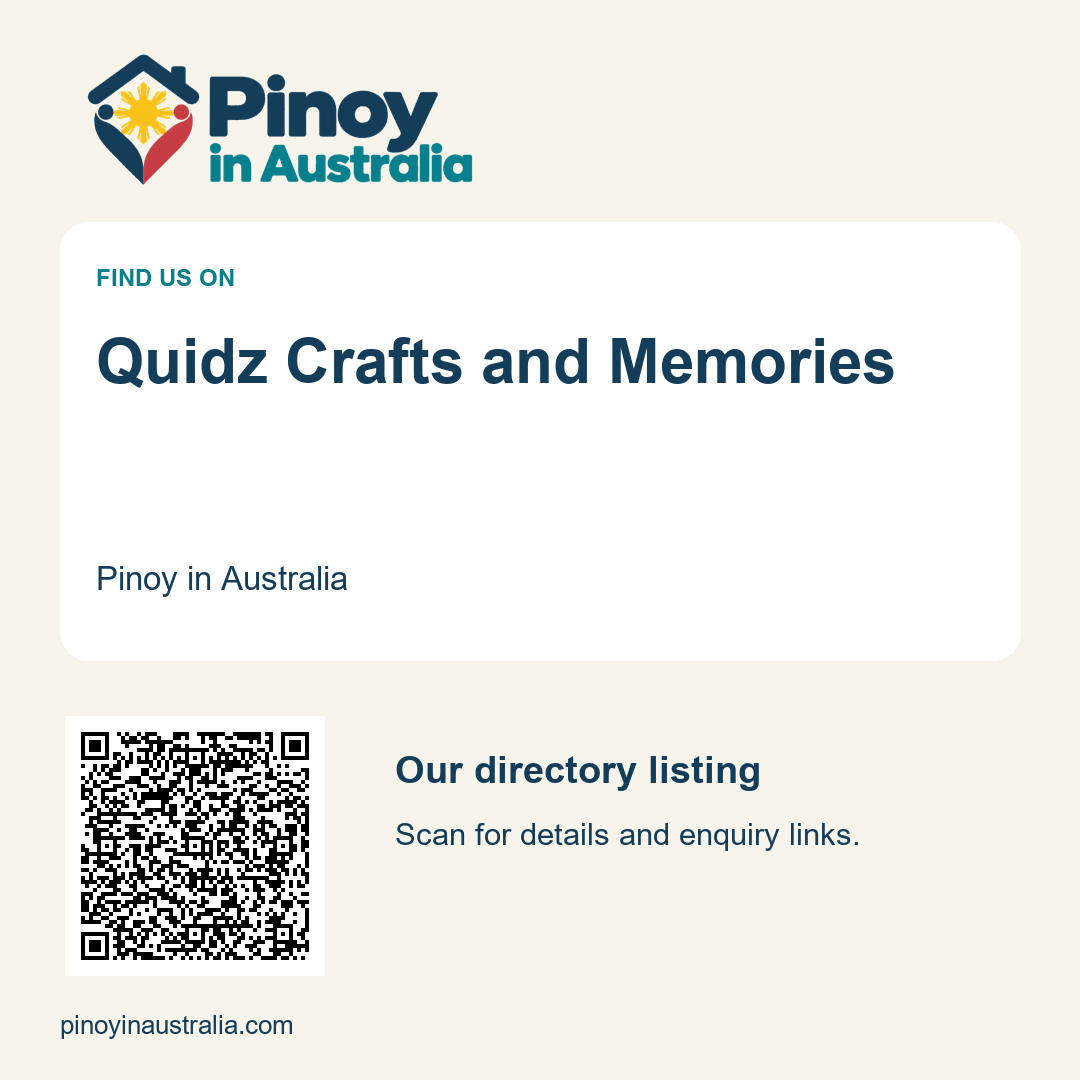
These free cards are for the named businesses to use if they wish. Each QR code opens that business listing. Please check your entry before sharing; the card is not a verification or sponsorship badge. We use our directory artwork so you can add your own approved photo separately.
- Download A-Z Auto Sydney – St Peters sharing card · Check listing
- Download Carinderie Macarons – Winston Hills sharing card · Check listing
- Download Quidz Crafts and Memories sharing card · Check listing
- Download Cuto Kids Cafe Castle Hill sharing card · Check listing
- Download Velpure Filters sharing card · Check listing
- Download JM Online Food Cart sharing card · Check listing
4. Keep short-lived listings up to date
For jobs, include the work location, role, enquiry route and closing date when supplied. For accommodation, include rent, availability and the public enquiry route. For buy-and-sell items, include price or FREE, condition and pickup suburb; mark them sold or collected promptly. For events, include the year, local date and time, venue and official booking link. Do not publish someone else’s private group or chat post without their permission.
Need a hand finishing your listing?
Send your listing link or business name to admin@pinoyinaustralia.com or message the Pinoy in Australia Facebook Page. Tell us what you want added or corrected, which contact details may be public, and whether any supplied photos may appear on the website. Please do not send passwords or identity documents.
We can help prepare the details. If we promise a draft for your review, we will wait for your approval before publishing it. Basic directory listings are free; optional photos are welcome.
Found something useful?
Save it with the bookmark option when signed in, or share its link with someone who needs it. If you contact a business through the directory, you can mention that you found it on Pinoy in Australia. Feedback about what worked or what is missing helps us improve.
Request a correction or removal · More guides
Updated 15 October 2026. Listing details are supplied by owners or community sources and can change. Check directly before travelling, booking or making arrangements.